Execution Flow
Synopsis
A Windows-style wizard for the migration of an AlwaysOn availability group to a new AlwaysOn cluster by Distributed AG. It calls only the existing sqmSQLTool functions. All actions run in a background runspace, so the window stays usable. After every completed step the state is saved without passwords; an interrupted migration can be resumed, and a lock file keeps two wizards from working on the same migration. German and English can be switched in the window.
The failover procedure and the listener move have not been tested against two real WSFC clusters in the lab. Verified are the T-SQL queries against SQL Server 2022, the preflight checks, the error classification and the interface. Run the complete flow on a test system before productive use.
The wizard does not remove the Distributed AG automatically. The clean-up
DROP AVAILABILITY GROUP is offered as T-SQL to copy and should only run after a stable production period; afterwards a rollback is no longer possible.Screenshots
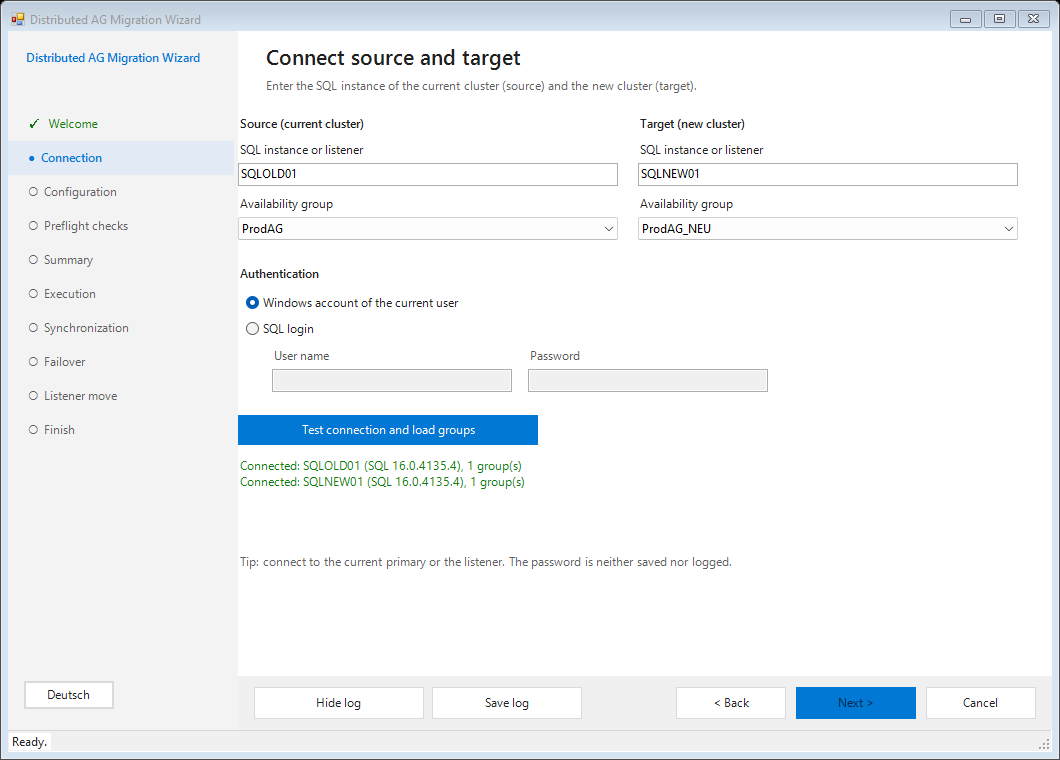
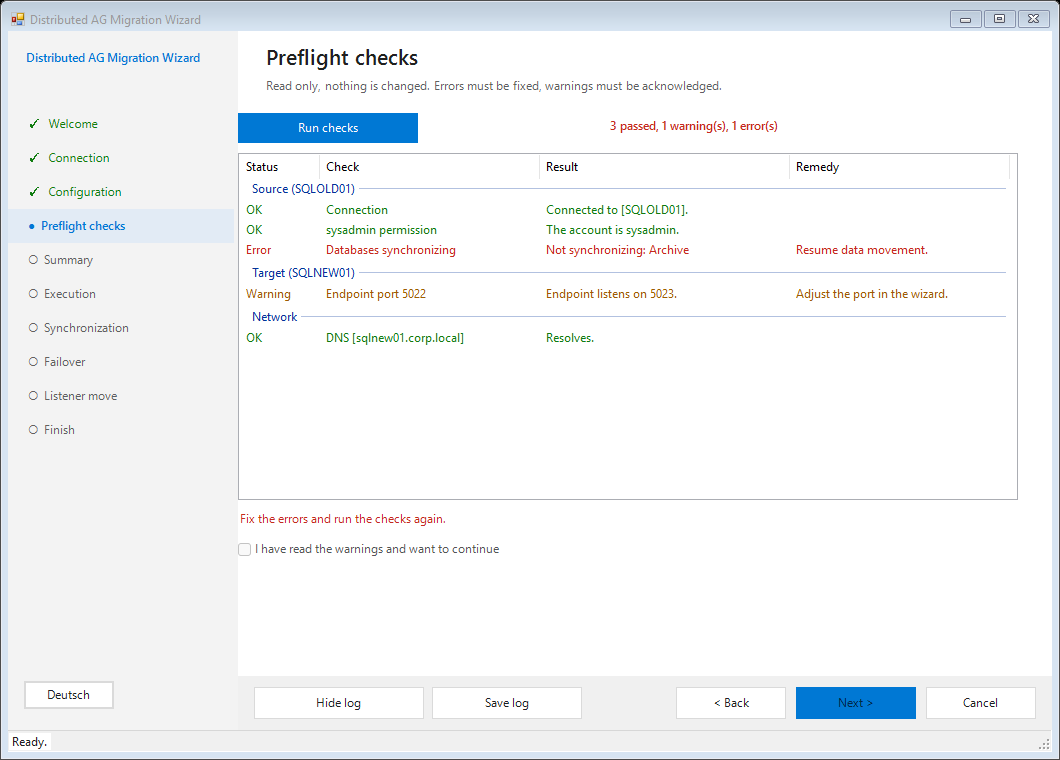
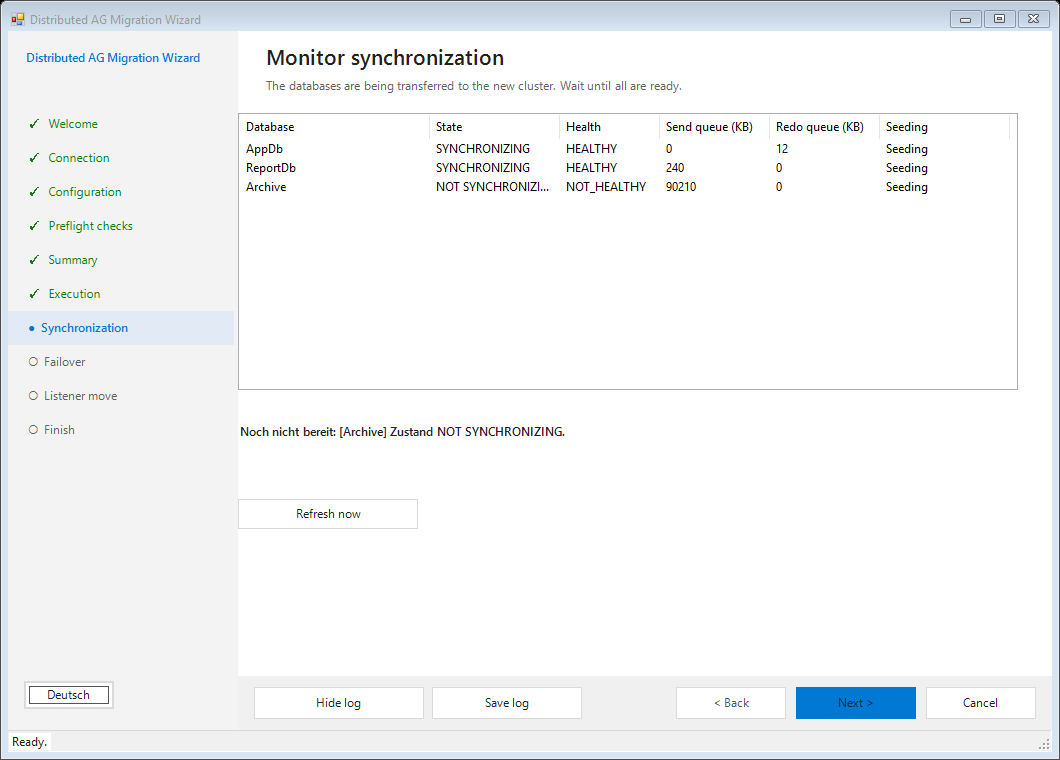
Illustrative screenshots with sample data, rendered in the lab.
Longer pauses
A week between the first seeding and the cut-over is covered. Seeding continues by itself in the Distributed AG; close the wizard after the seeding and resume later via Resume at the synchronization page.
- The state folder is local by default. To resume on another machine start the wizard with
-StatePathpointing to a share. The start page shows the folder in use. - The preflight checks do not run again on resume, but the database list is re-read at every refresh of the synchronization page. New databases in the source AG show up in the log and are checked at failover.
- Logins, Agent jobs and linked servers are not transferred by the wizard. The failover page asks you to confirm that they are (for example with
Sync-sqmLoginsToAlwaysOn). - Failover and listener move belong in the same maintenance window.
- A lock file from another machine is never treated as orphaned; the message names the file so you can delete it by hand.
Error handling
| Category | Cause | Fix |
|---|---|---|
| Login | The server rejects the login. | Check user name and password. |
| Unreachable / Timeout | Server, port, firewall or load. | Check name, port, firewall; the step can be retried safely. |
| Permission | The account lacks rights. | sysadmin is required on both sides. |
| Endpoint connection | The endpoint link between the clusters is down. | Check port, firewall, CONNECT right and FQDN. |
| Backup path | Not reachable or writable for a SQL service account. | Use a UNC path and authorize both service accounts. |
| Already exists | Object from an earlier run or a name conflict. | Skip the step if it is your own object. |
Syntax
Show-sqmDistributedAgGui
    [-Language de|en]        # default: module language, switchable in the window
    [-StatePath <String>]     # folder for state and lock files
Parameters
| Parameter | Type | Default | Description |
|---|---|---|---|
| -Language | String | module language | de or en. Can be switched in the window. |
| -StatePath | String | <Output>\DistributedAgMigration | Folder for the state file (JSON, no passwords) and the lock file of a migration. |
Examples
Example 1, Start the wizard
Import-Module sqmSQLTool
Show-sqmDistributedAgGuiExample 2, English interface and a shared state folder
Show-sqmDistributedAgGui -Language en -StatePath "\\fileserver\dba\migration"Example 3, The same steps on the command line (dry run of the failover)
Invoke-sqmDistributedFailover -SqlInstance "SQL01" -TargetInstance "NEW01" `
    -AvailabilityGroupName "ProdAG_ProdAG_NEW" -WhatIf